Dashboard
An at-a-glance overview of the volume, with space broken down by category and file type.
DiskLens scans any folder — or your whole disk — in seconds and turns it into clear, interactive visualizations, so the biggest space hogs jump right out.
On the Mac App Store · Requires macOS 26 or later · Sandboxed and private.
See it in motion
A quick tour: explore a scan as a treemap, find duplicates, search — then make it yours.
Six ways to look
Point DiskLens at a folder and explore the result however you think best.
An at-a-glance overview of the volume, with space broken down by category and file type.
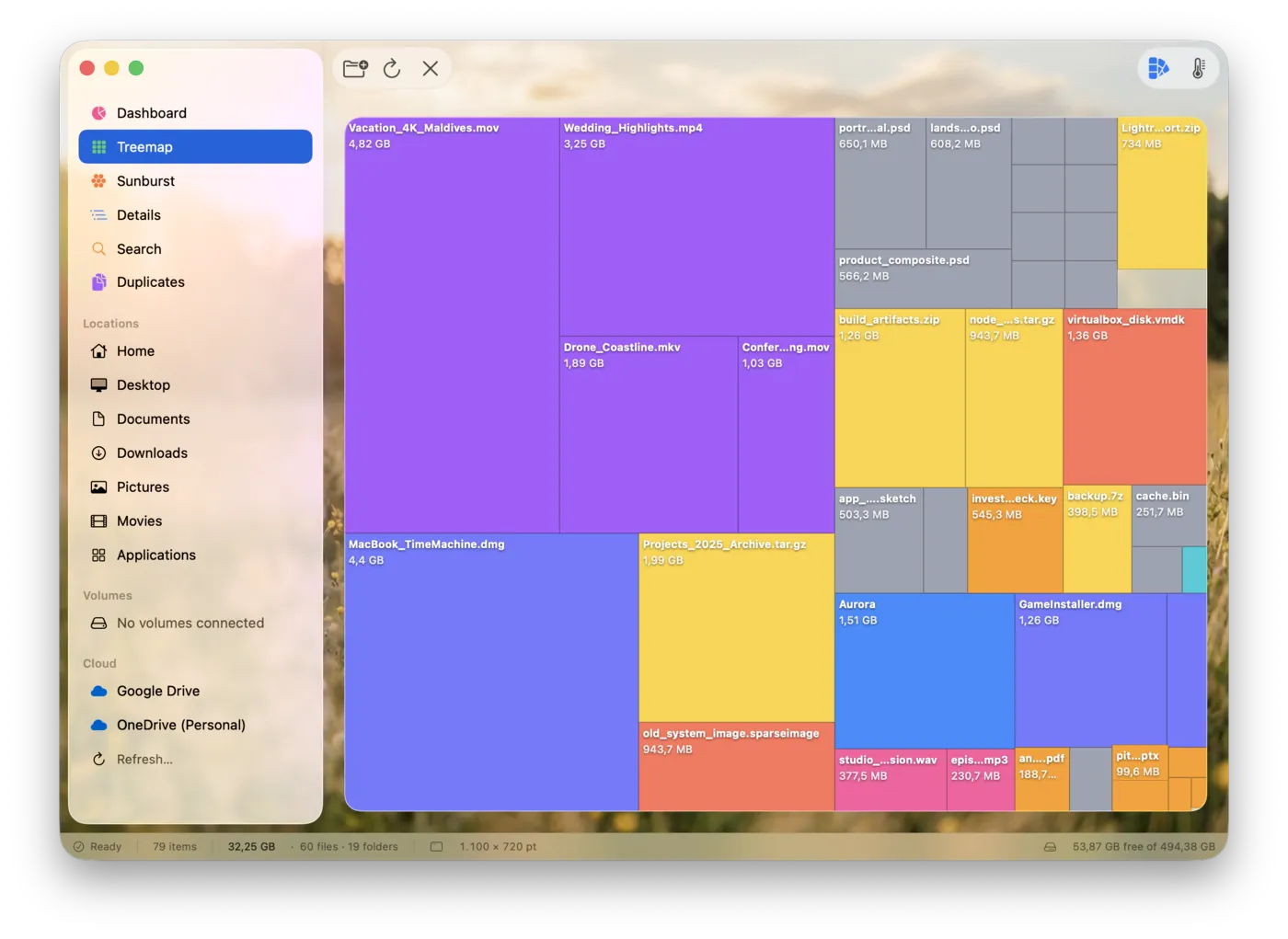
Every file as a sized tile, colored by type or by a size heatmap. The biggest items are impossible to miss.
An interactive ring chart you can drill into to follow space down the tree — and export as an image.
A sortable table of folders and files, with one-click export to CSV or HTML for reports.
Find files by name across the whole scan, with regular-expression support and optional folder matching.
Find identical files by content — not just by name — so you can reclaim the space they waste.
See it in action
Switch between the views just like in the app — right here in your browser.
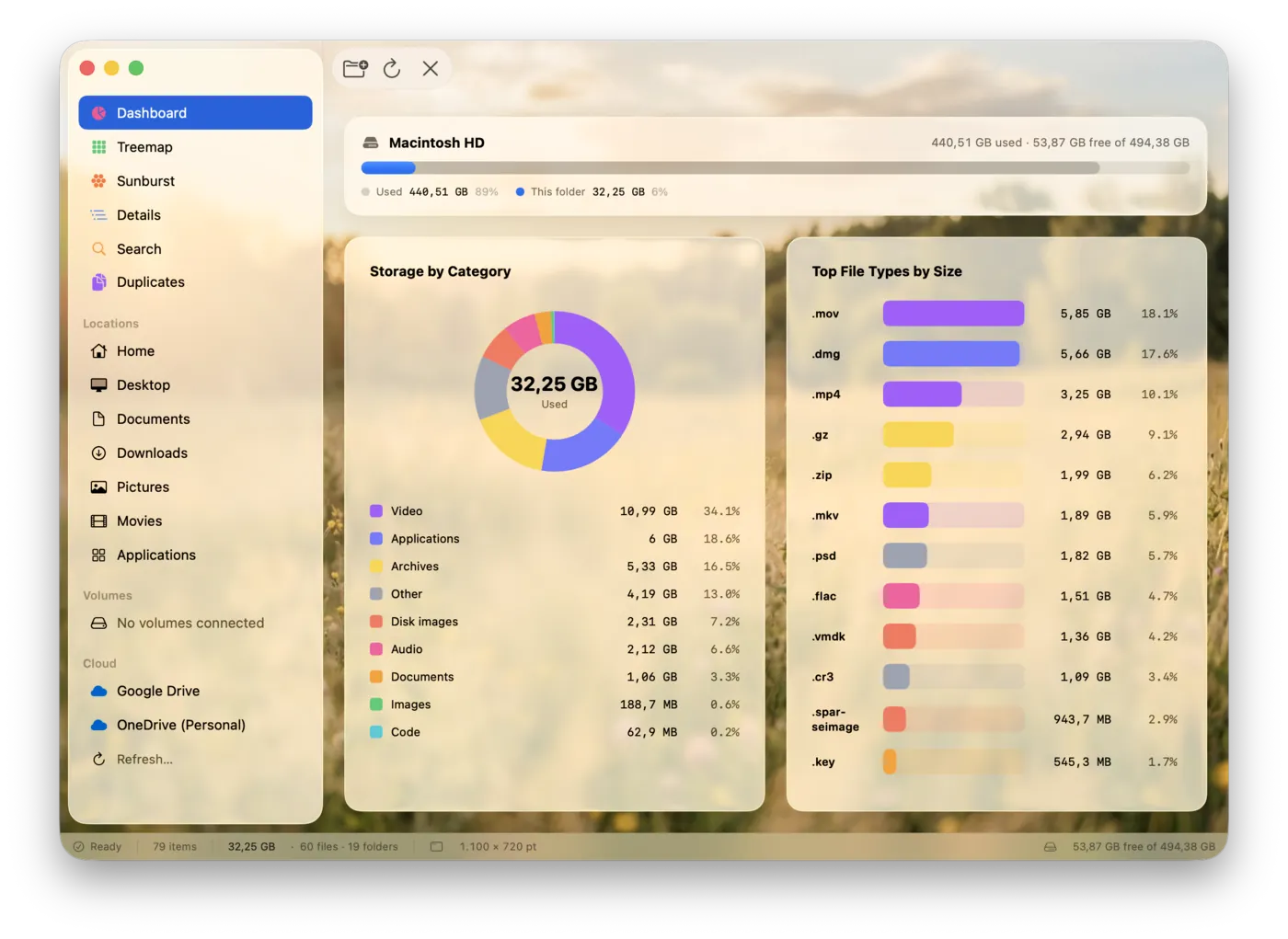
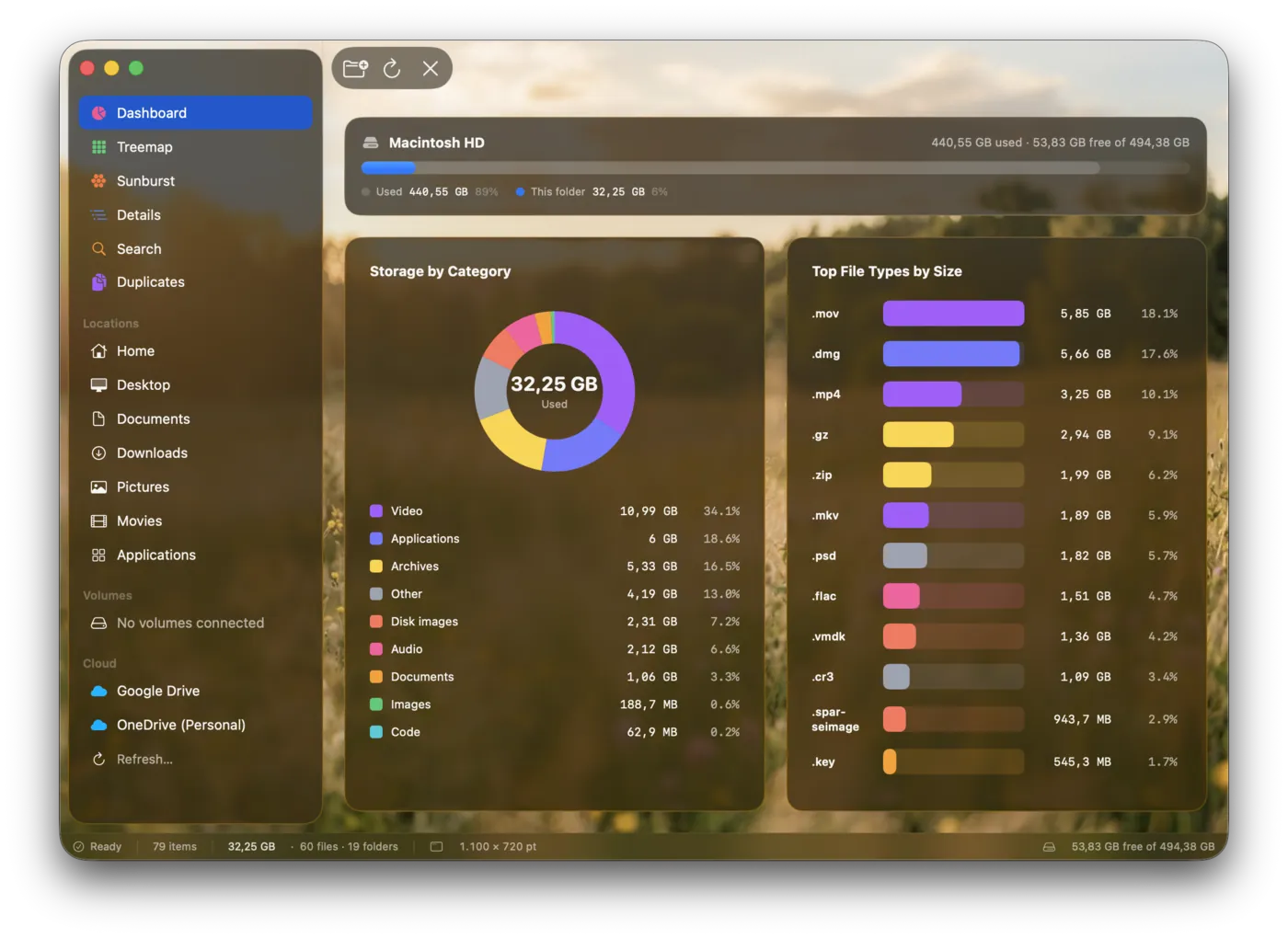
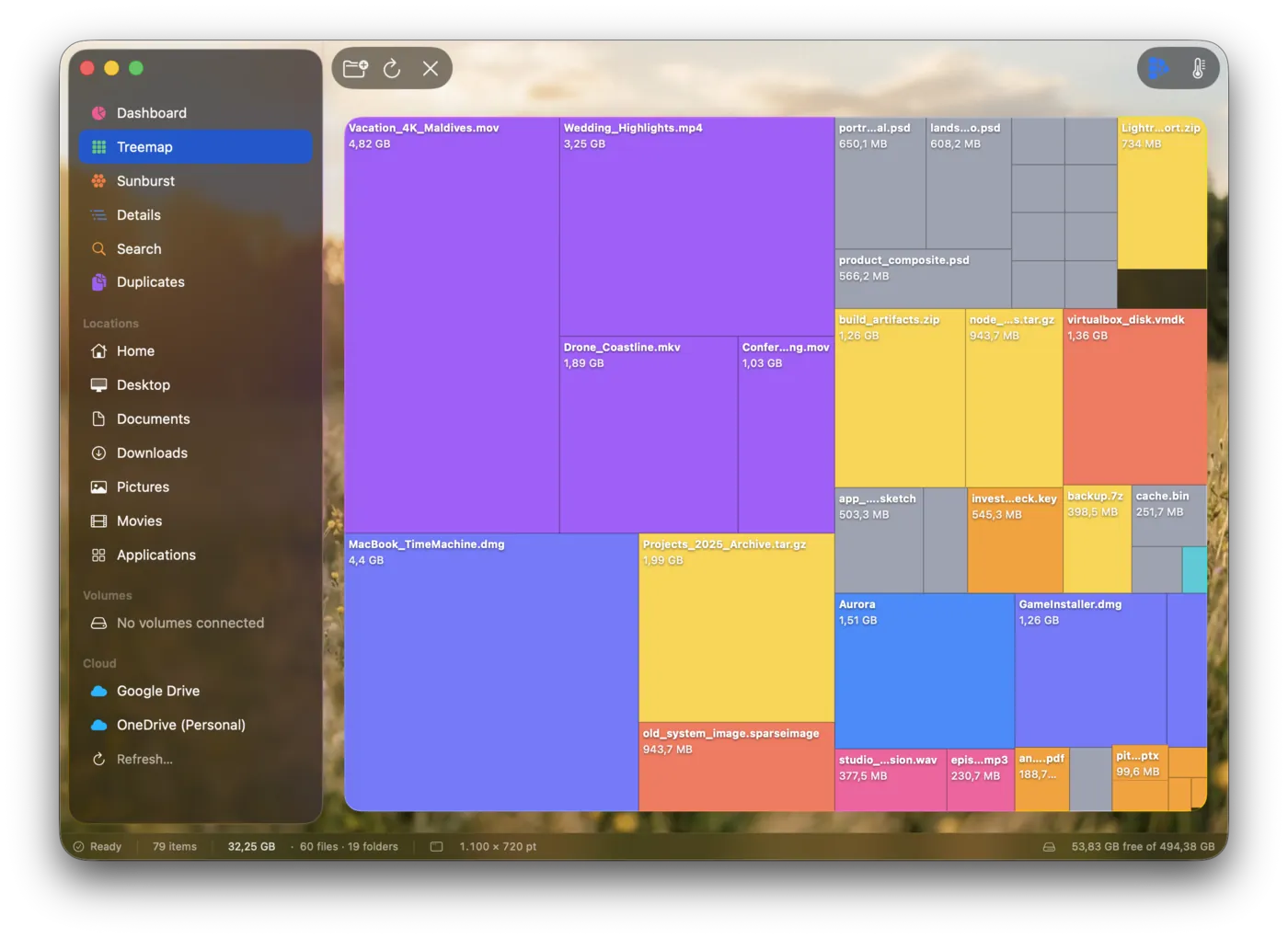
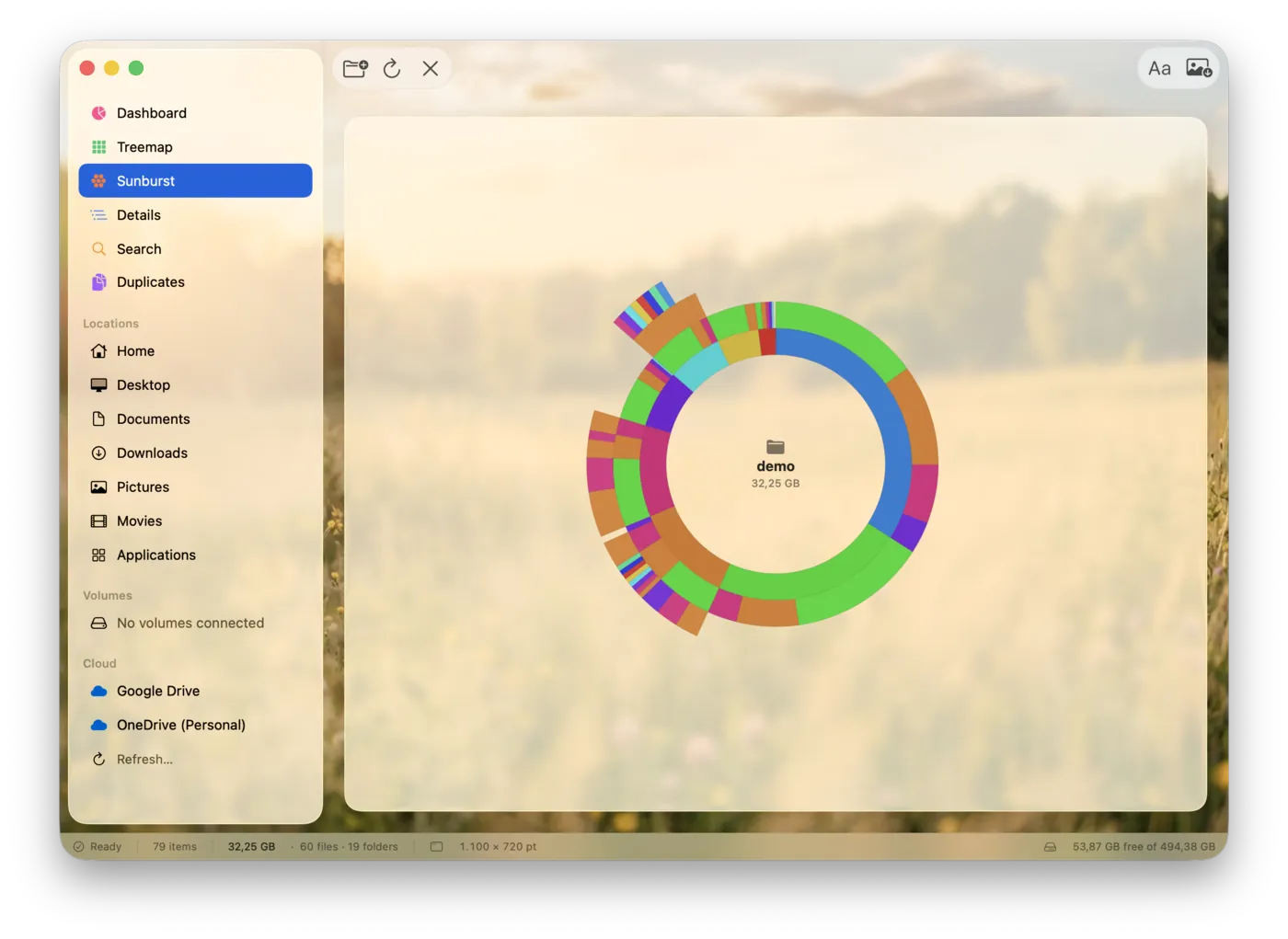
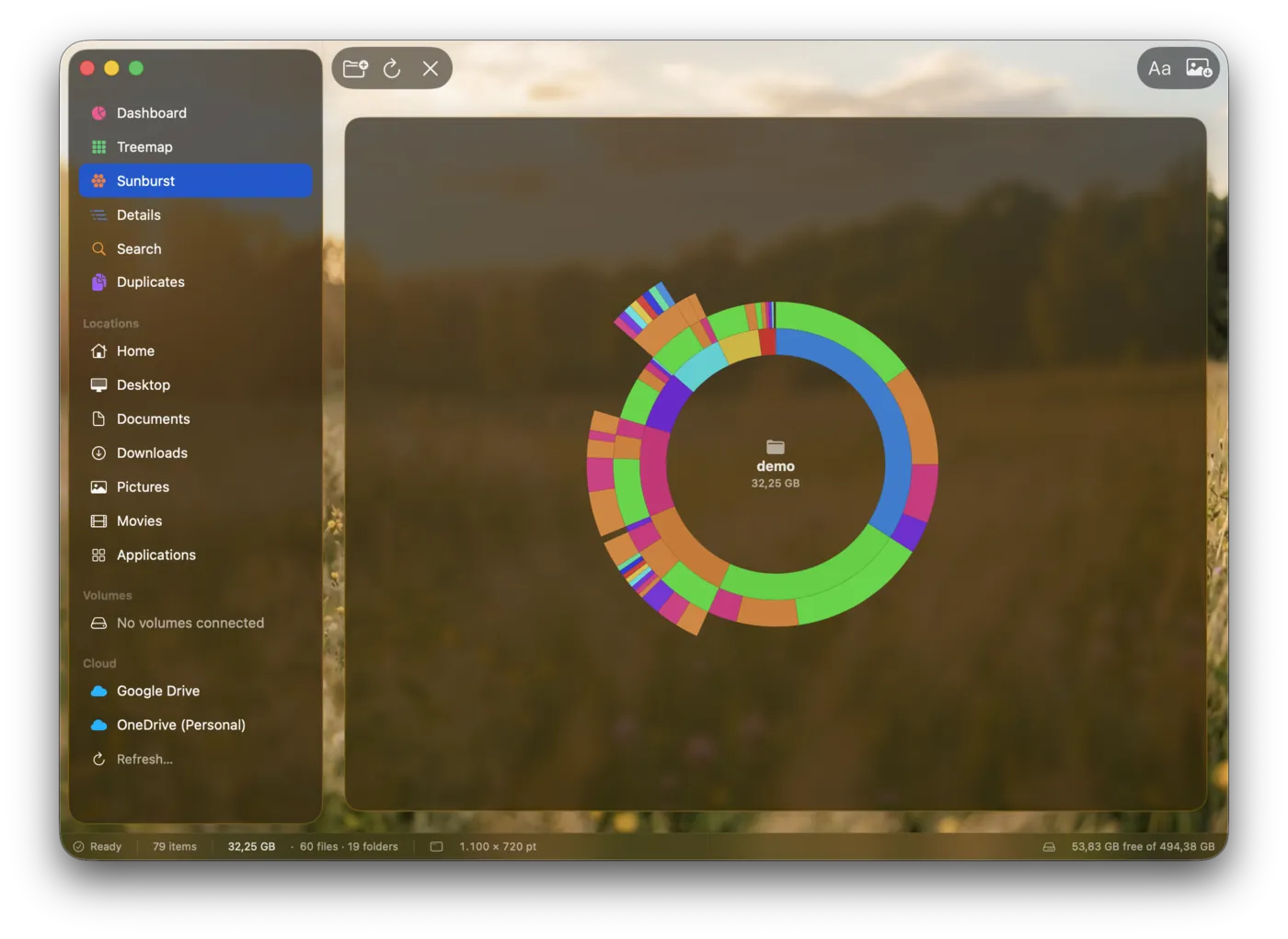
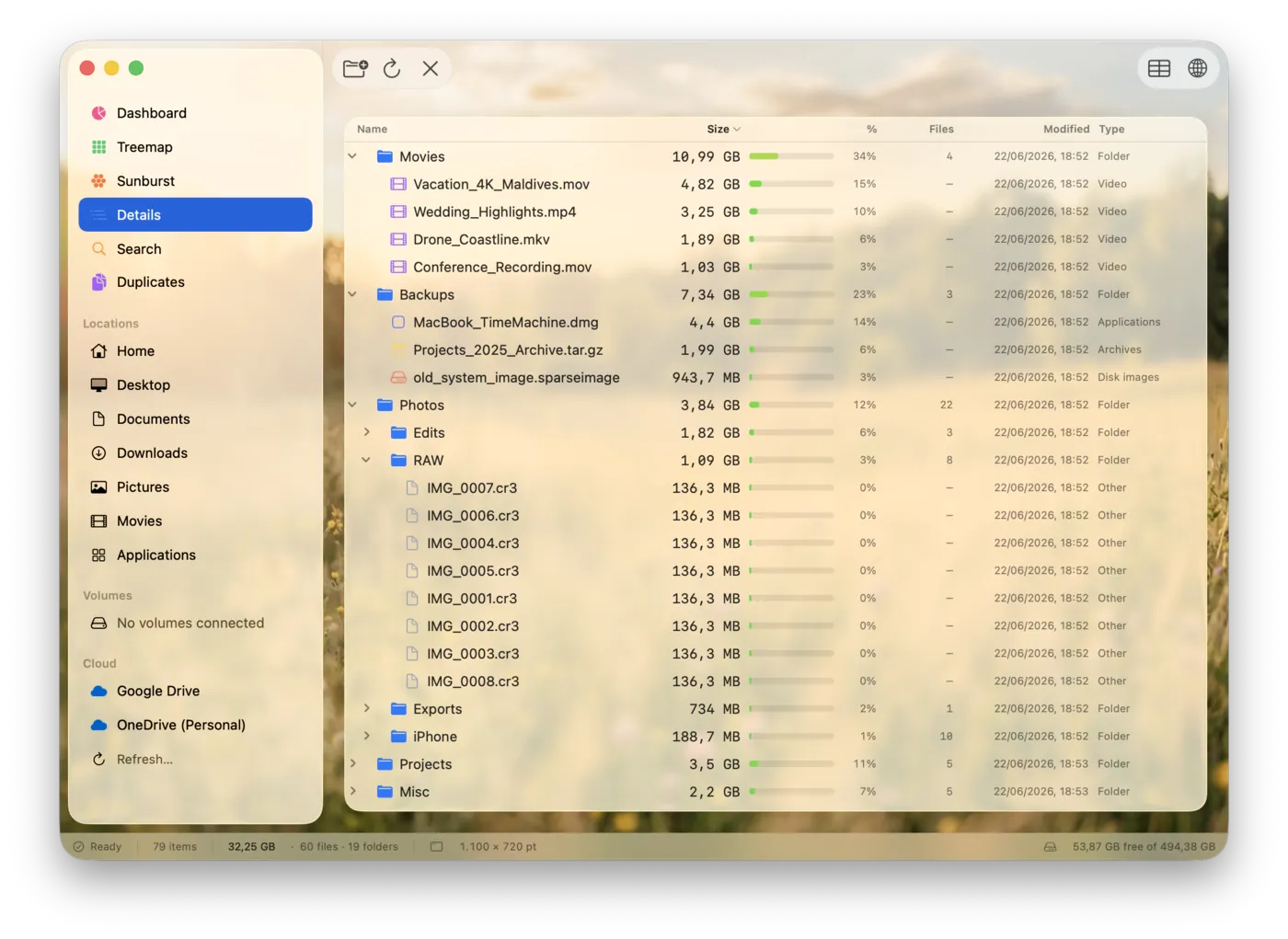
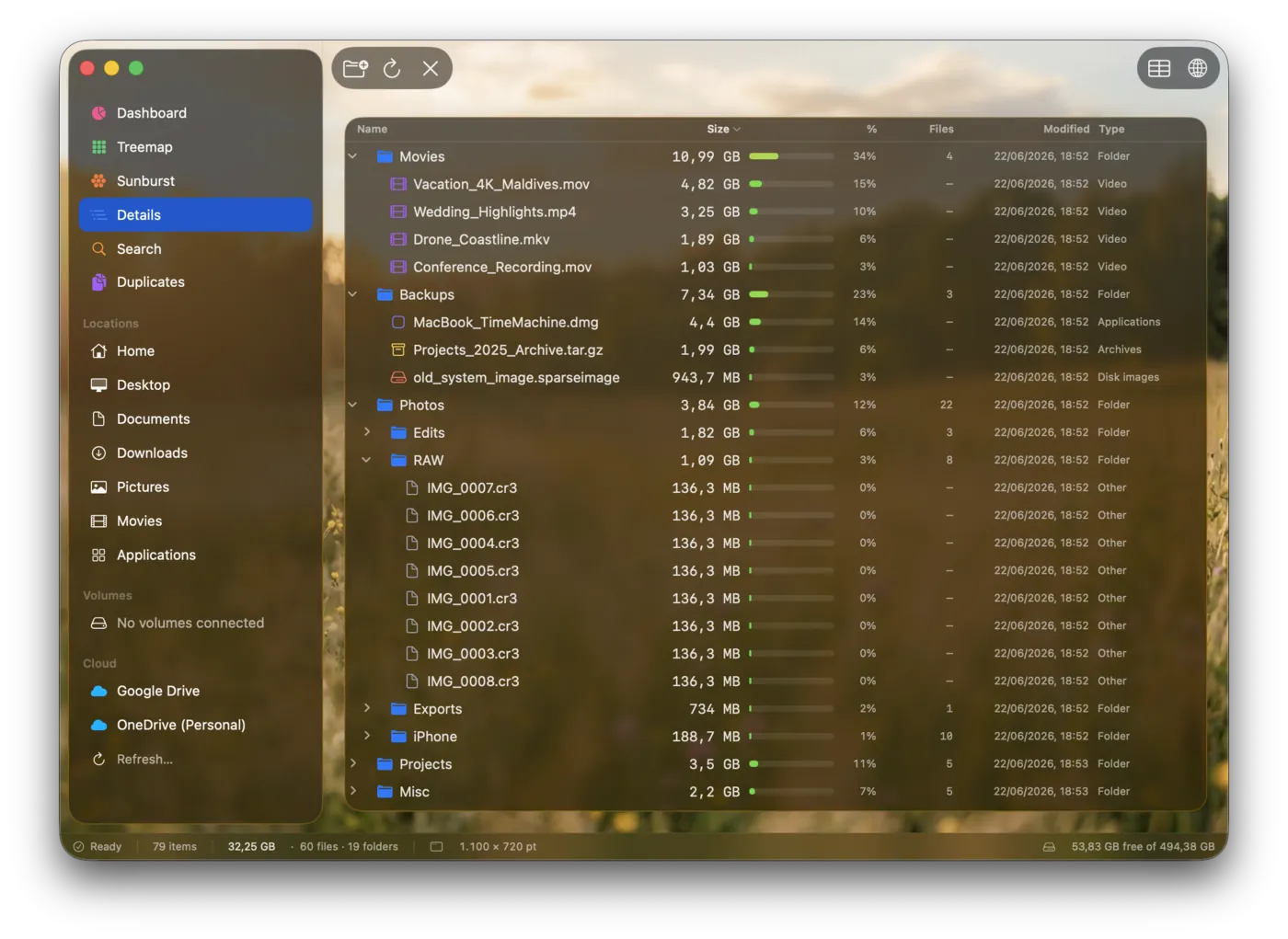
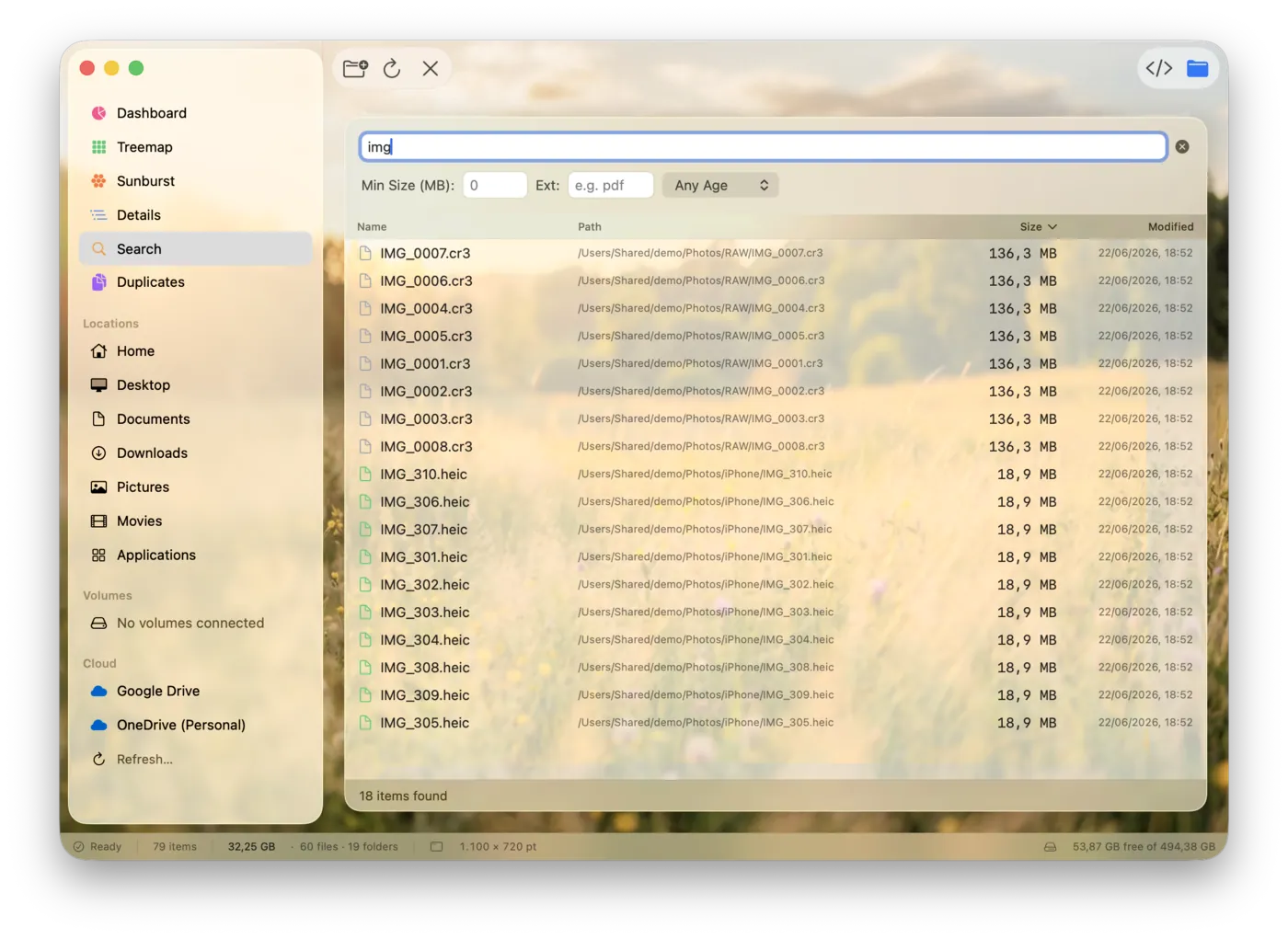
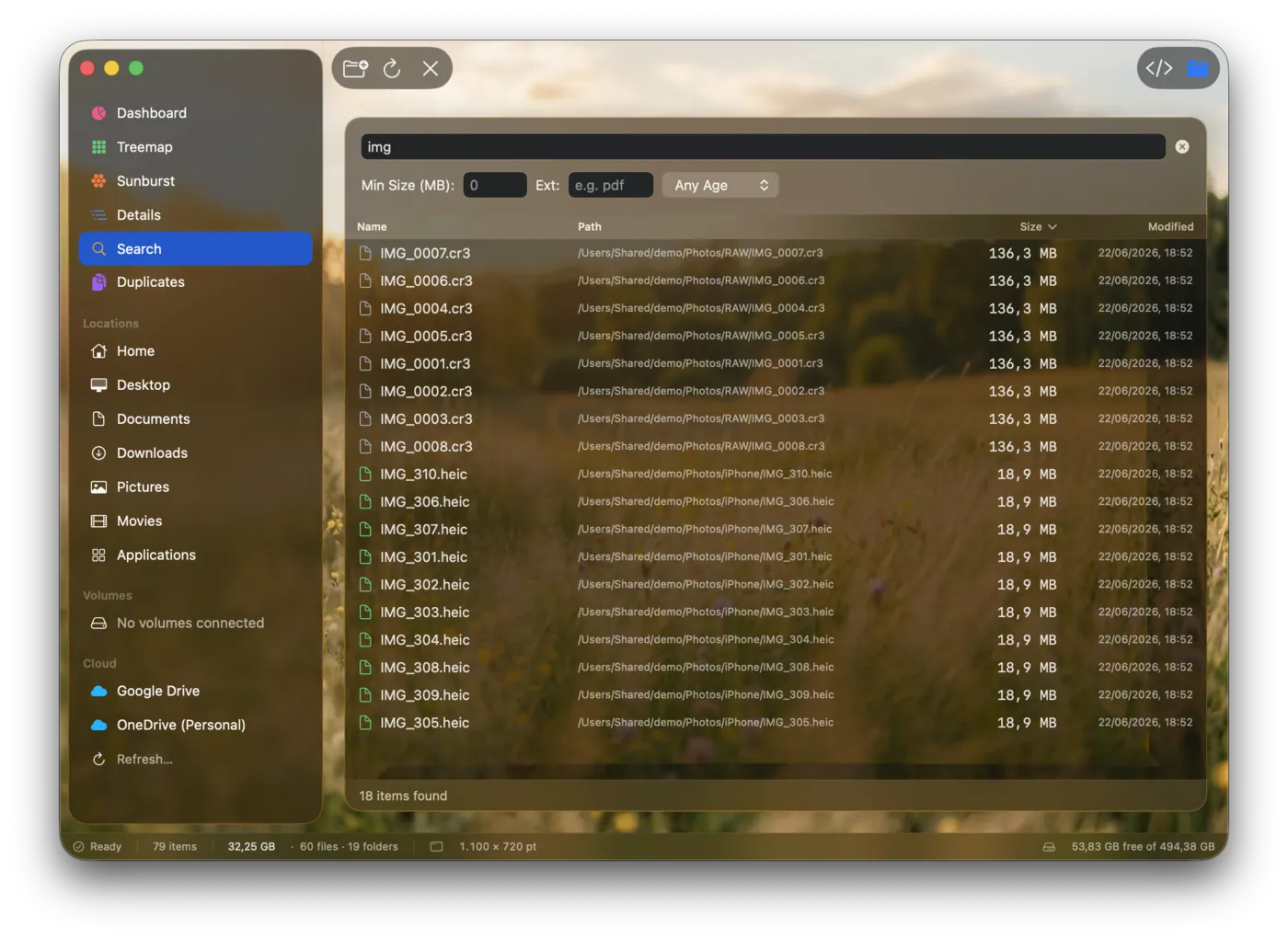
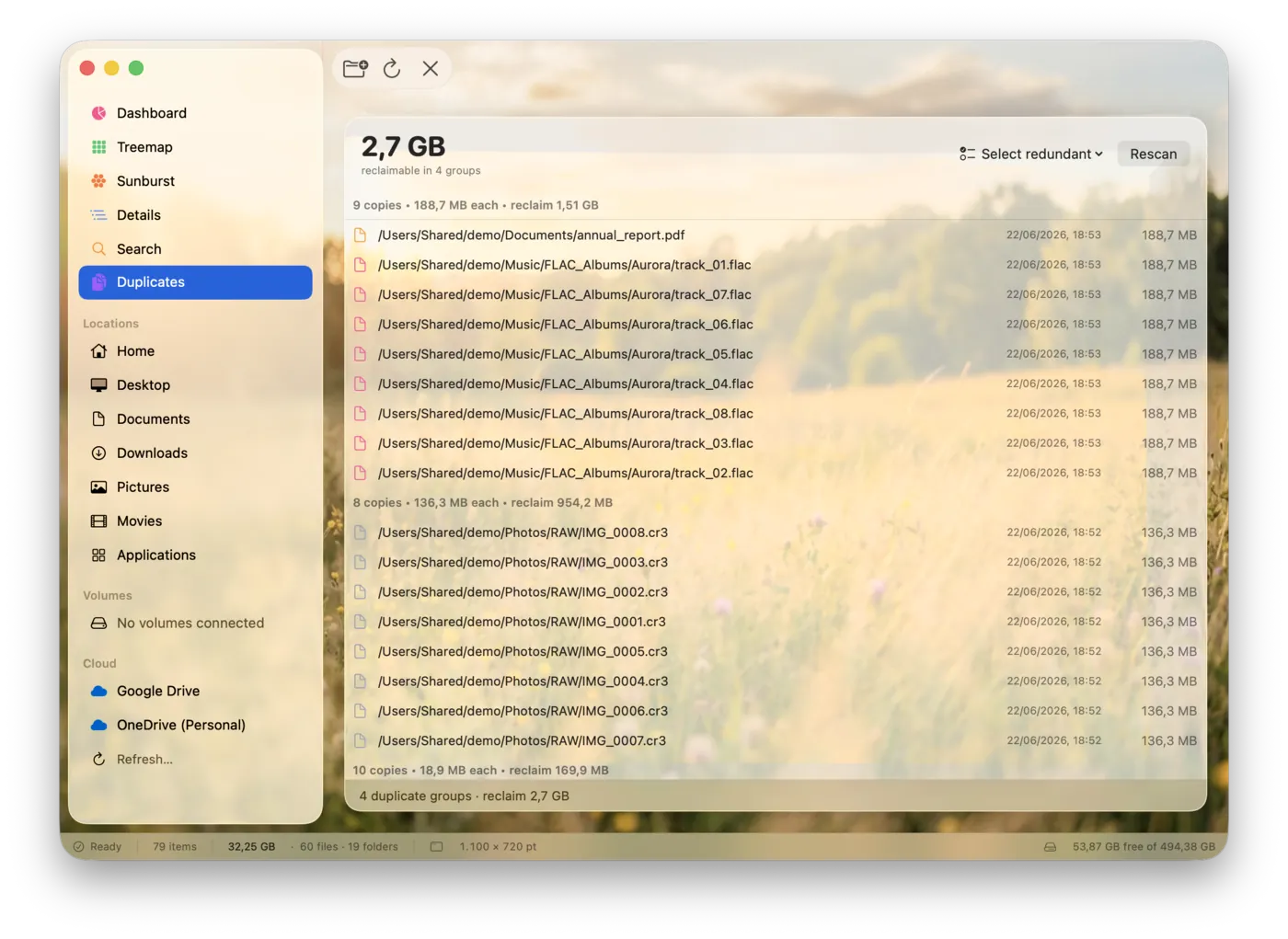
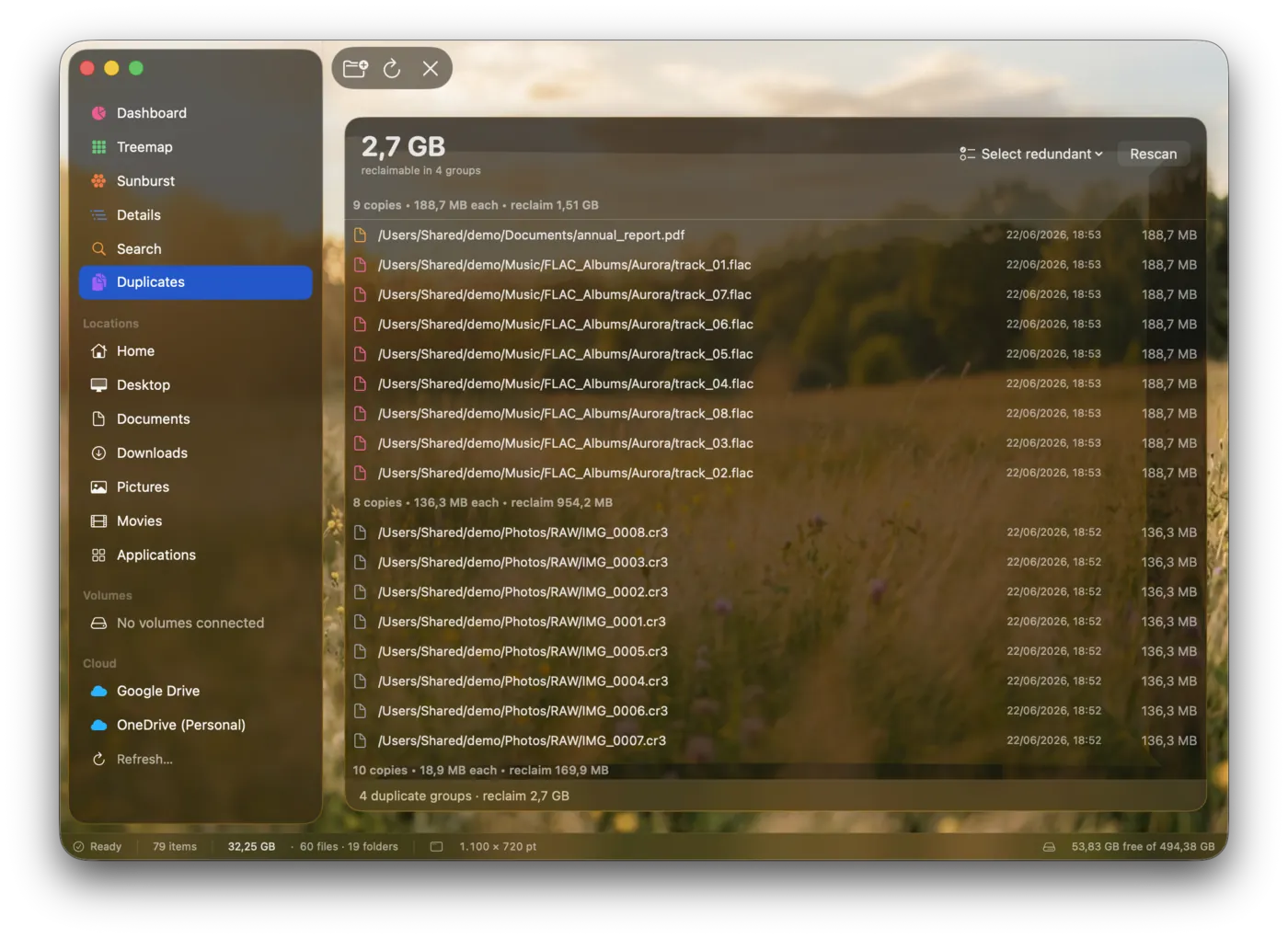
Dashboard — free space, totals, and a breakdown by category and file type.
Click a view in the window's sidebar or the tabs, and flip light / dark.
Make it yours
Set the appearance, sidebar sections, wallpaper, start-screen lens, and duplicate exclusions.
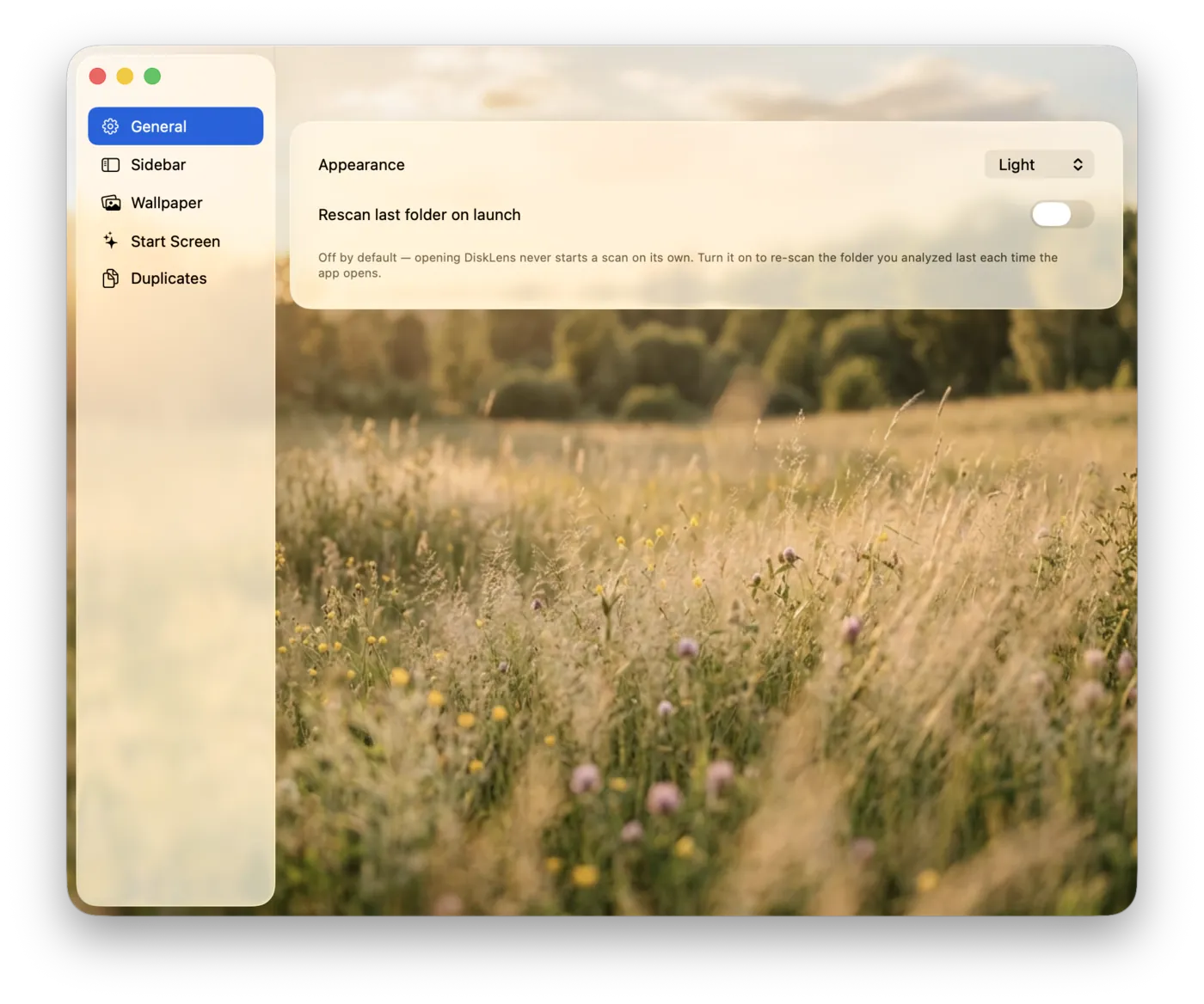
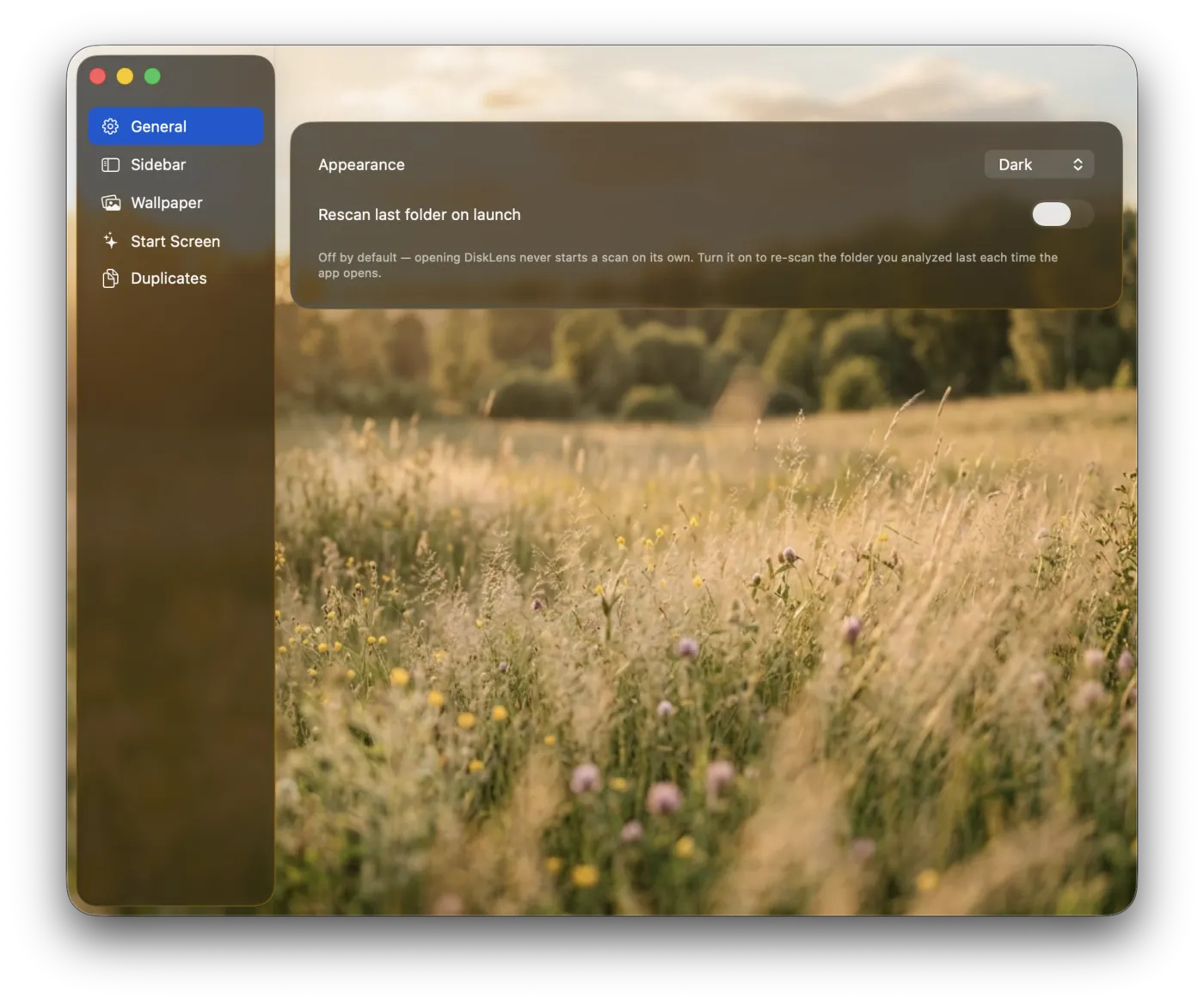
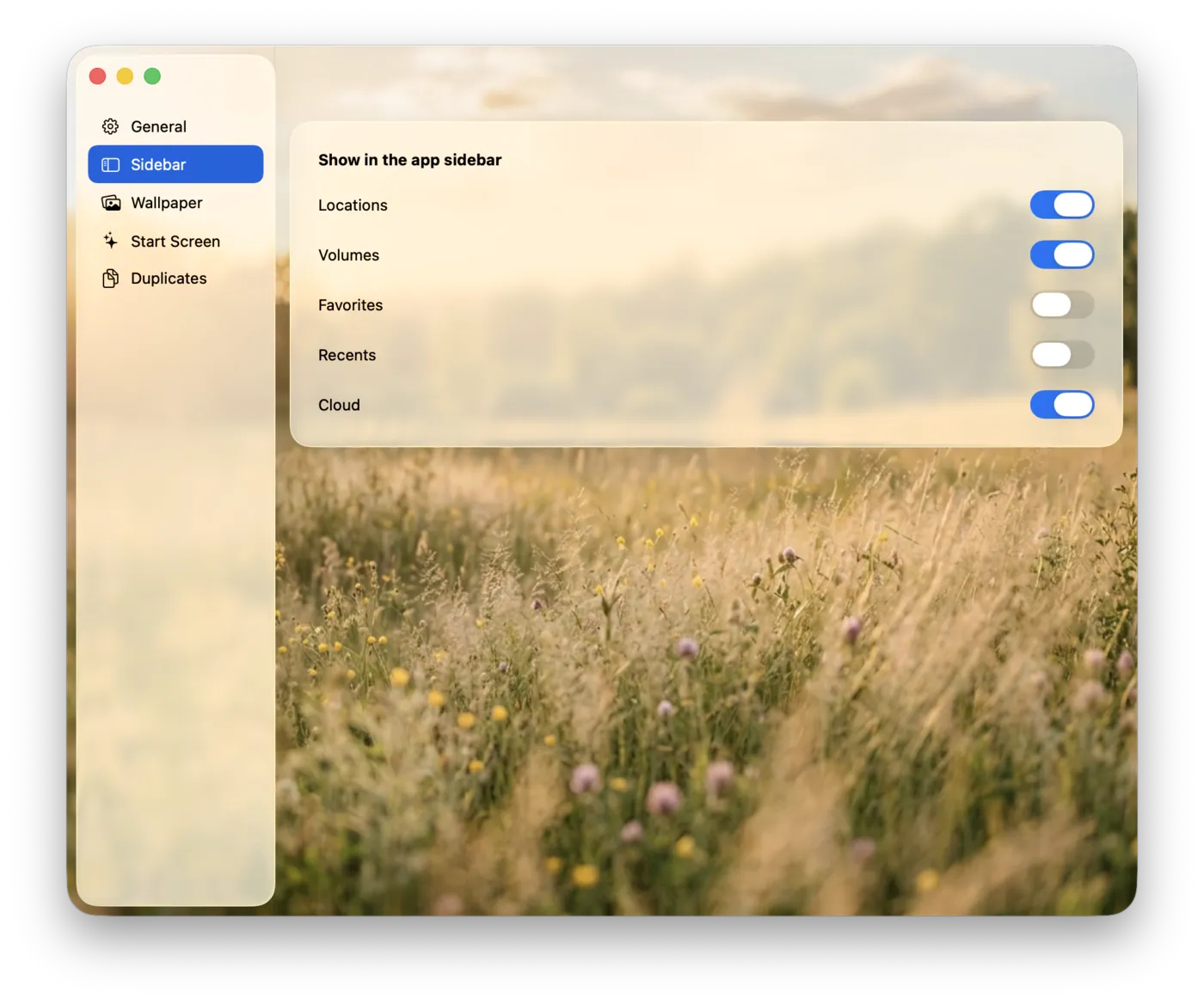
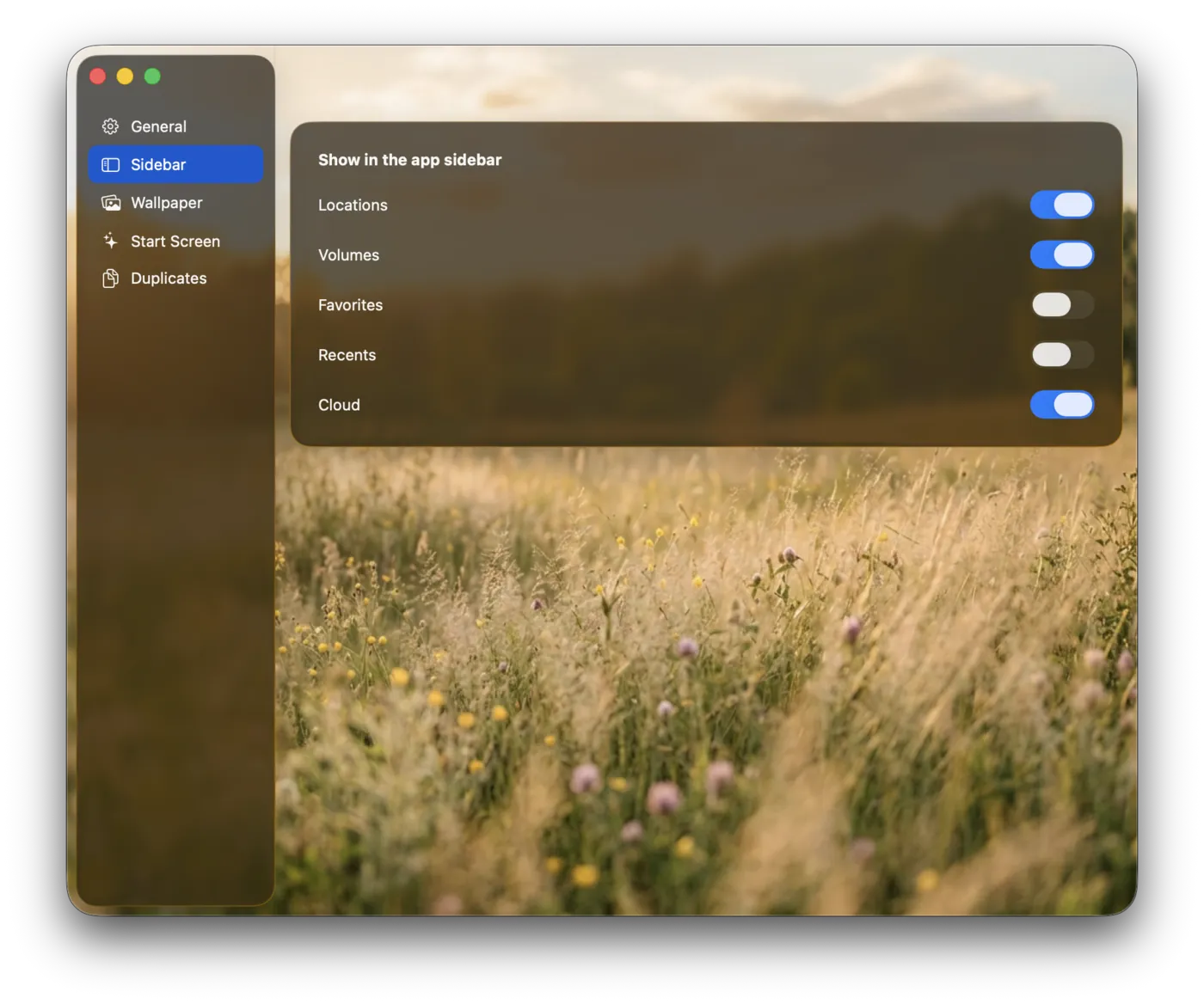
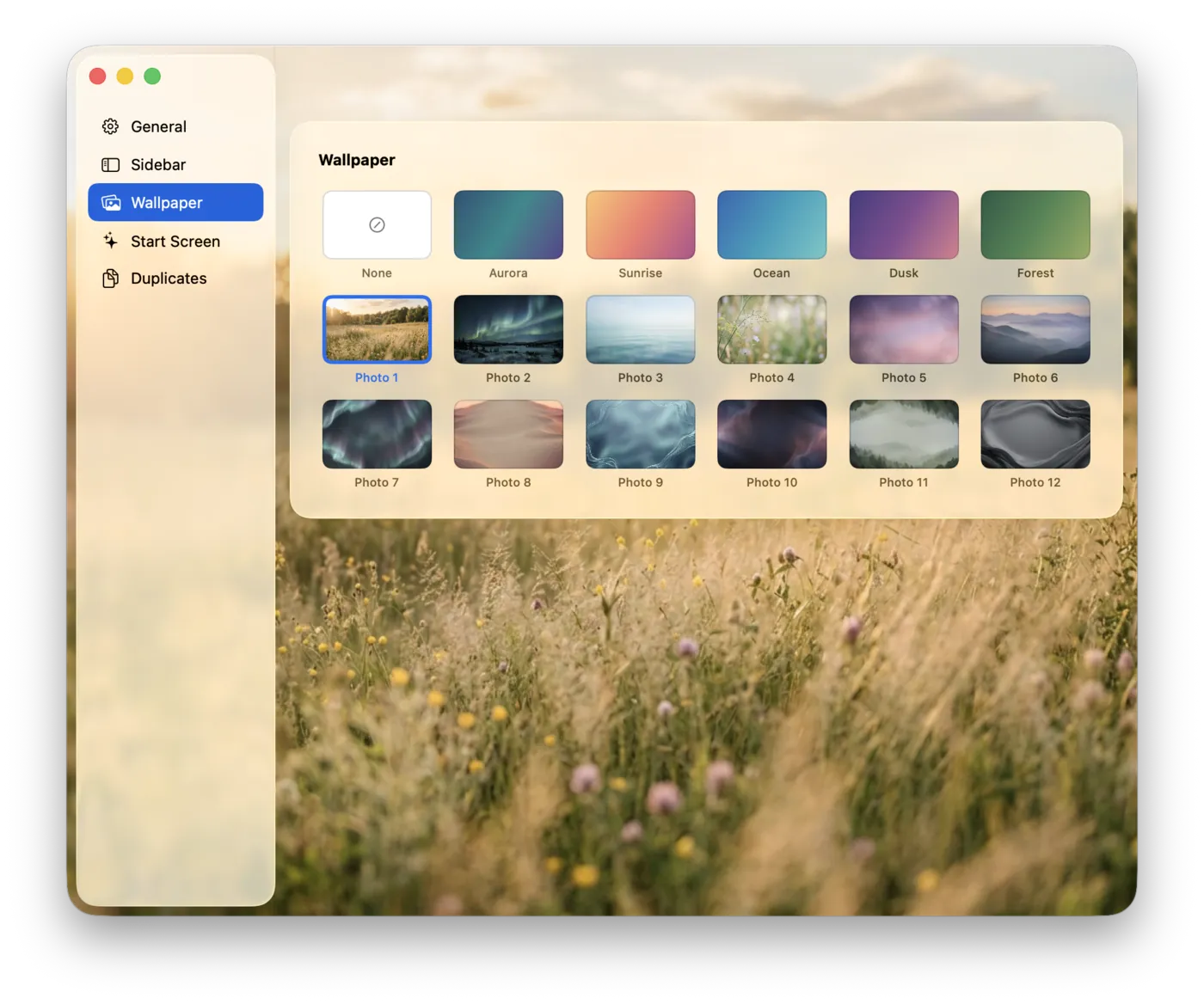
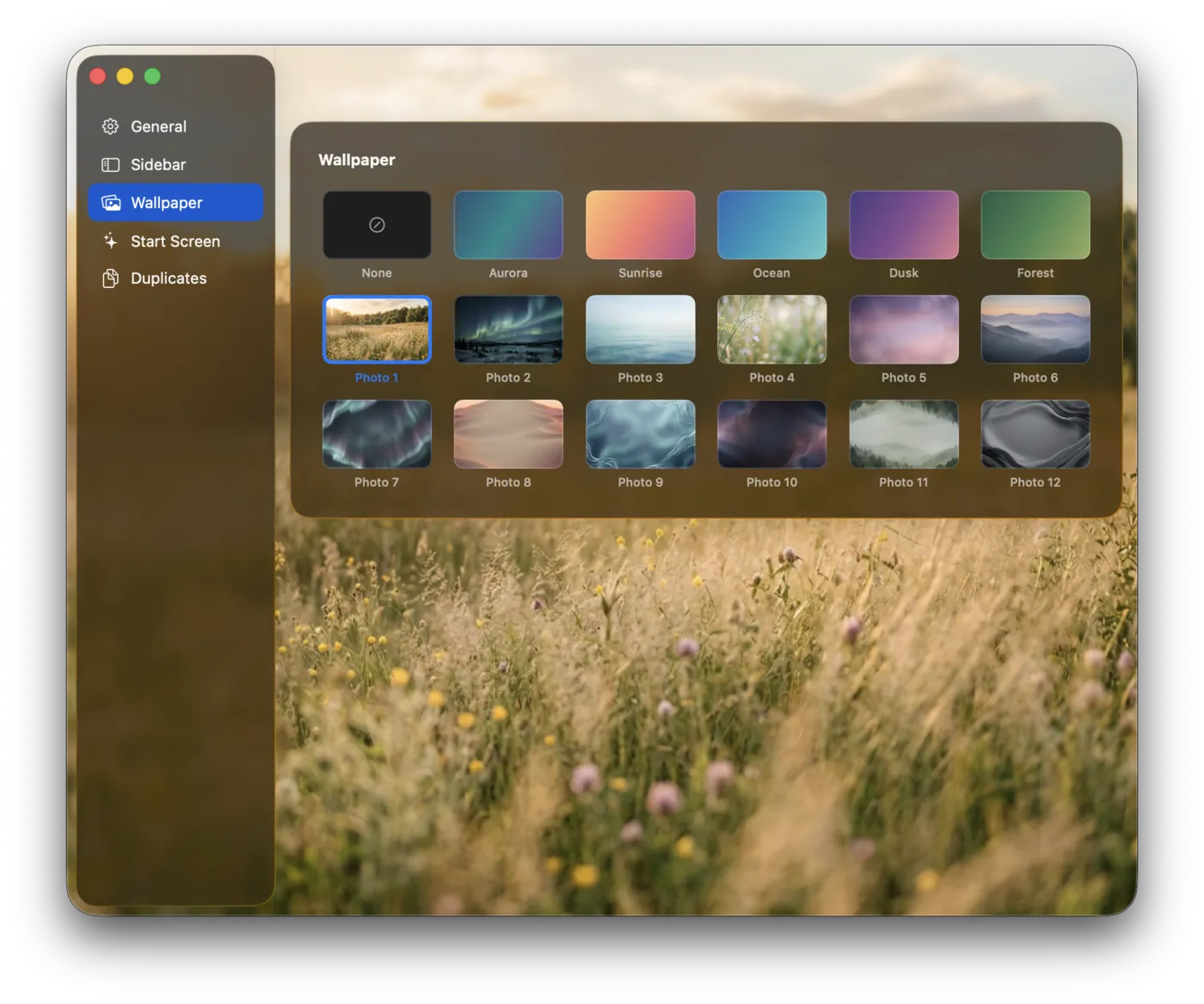
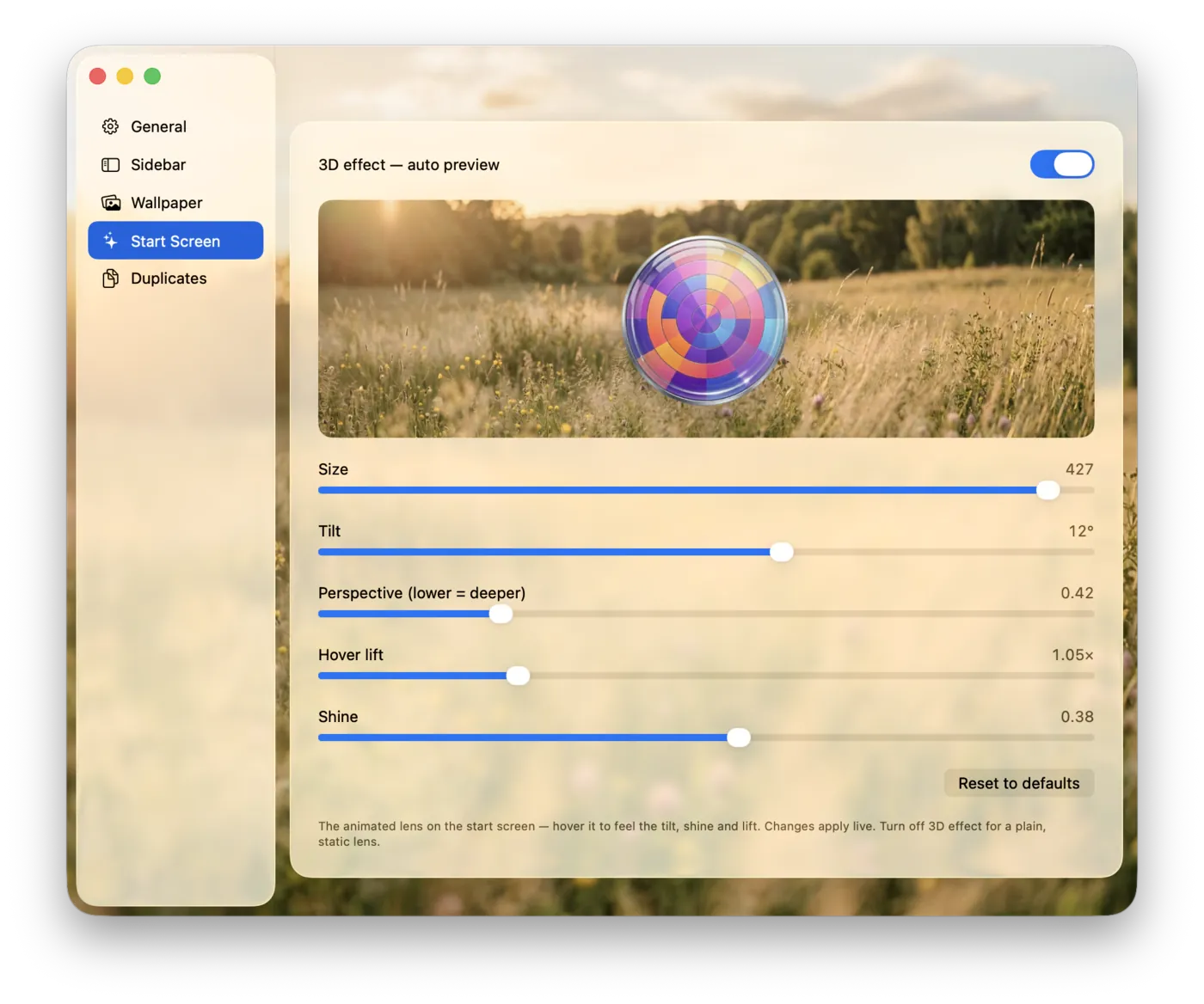
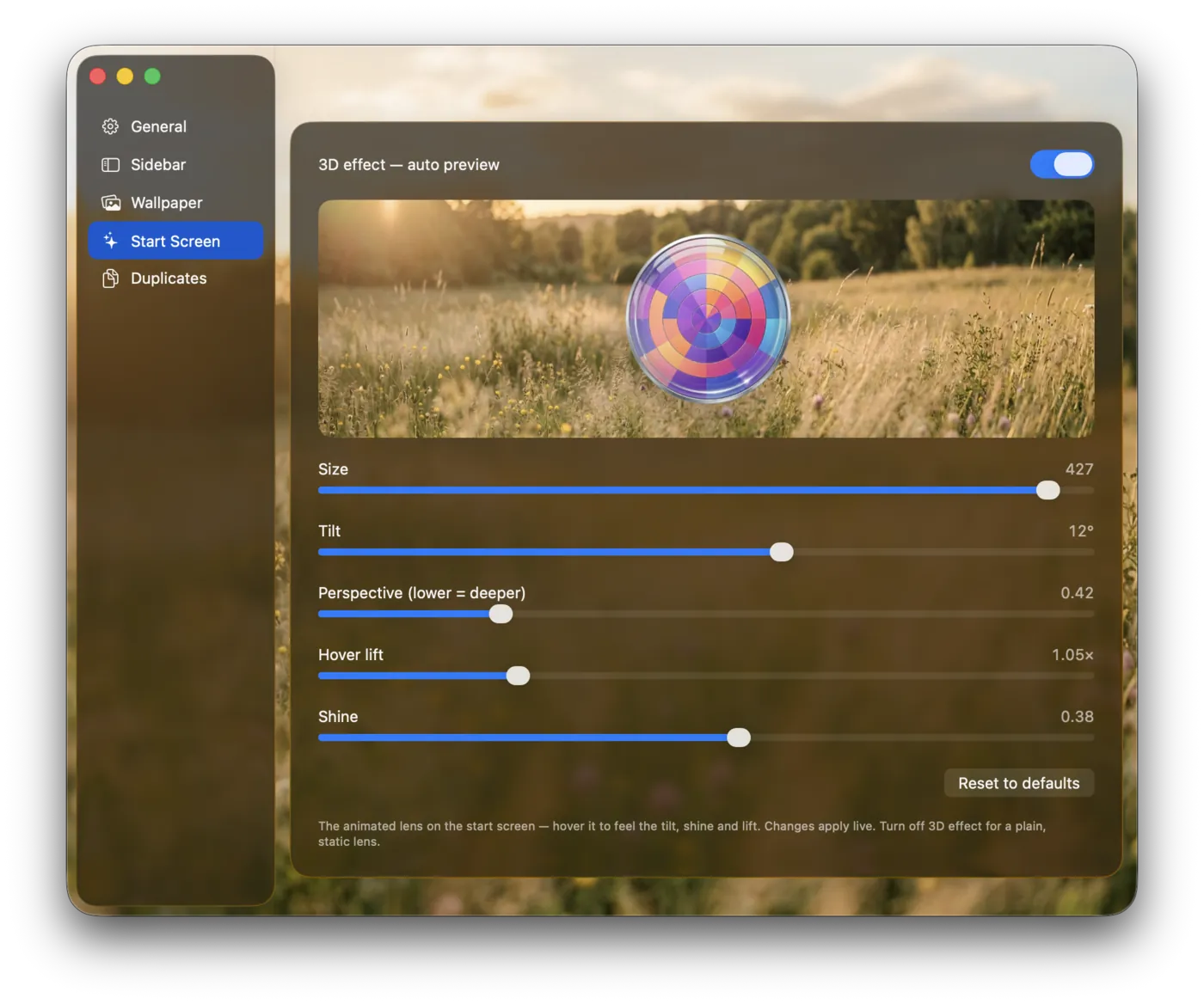
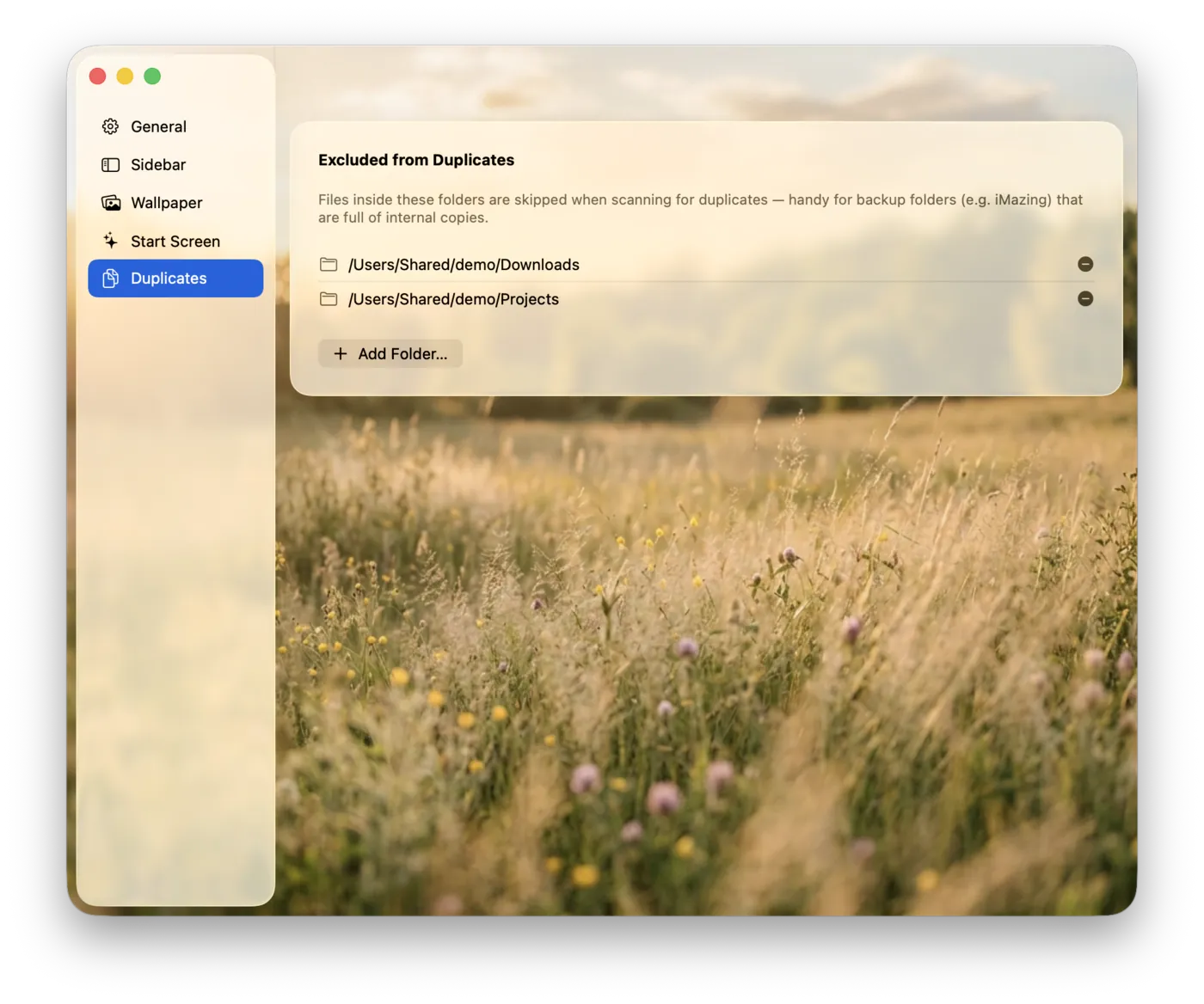
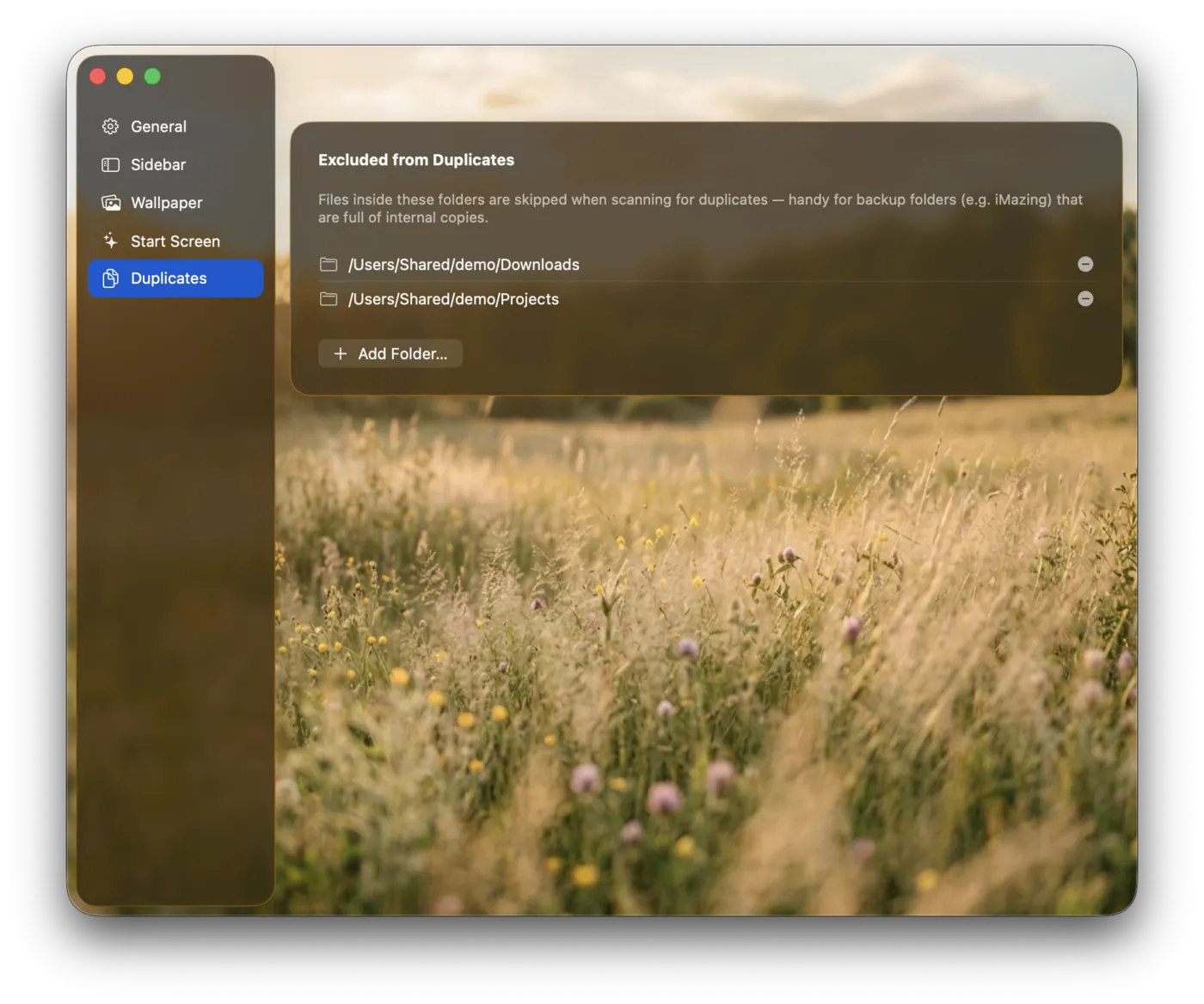
General — appearance (Light / Dark / System) and launch behavior.
Private by design
DiskLens runs in the App Sandbox and only ever reads the folders you explicitly choose. It collects no data, contains no ads or trackers, and nothing ever leaves your Mac. By default it stays on your selected volume and won't wander into mounted network shares or external drives unless you ask it to.
Pricing
No subscription, no in-app purchases.
On the Mac App Store